What does updating the new software to the Suunto Spartan offer? Version 1.12.36 adds Training Heart Rate Zones. Great addition to an already great heart rate monitor/ GPS watch. This is a great addition to an already incredible device. Sure you can look down at your watch for the heart rate number, but just glancing down at the watch face, you can determine what zone you are in quickly. The watch records the time spent in each zone so when going over data after a workout you can see how you performed.
Please "like" and "subscribe" to my YouTube channel.
Suunto released the new version 1.11.56 software update for their Suunto Spartan WHR. It now includes sleep monitoring as well as other improvements.
Check out the new option for a watch face, that keeps you informed on when the sunrise/sunset is as well as the percentage of the moon that is illuminated.
The Suunto Spartan Sport Wrist HR watch is an impressive tool to gather and monitor workout/training information. BLE (Bluetooth Low Energy) connectivity with numerous devices, I have paired it with my Stryd running Power Meter POD and the Suunto bike cycling cadence and speed sensor. I have also paired it with my smartphones BLE allowing it to retrieve data for uploading to the MovesCount app by Suunto. I have worn the MIO Alpha, in both options of the BLE and ANT+, before they combined both technologies in one HR monitor. For awhile I had worn my Ambit 2S paired with the MIO Alpha ANT+ version. So I had a watch on both wrists, with the MIO reading my HR to send it across the my Ambit 2S. The daily battery consumption is a little steep. Being fully charged, just walking around with it on, not using it to track HR throughout the day or using during a training workout and only the steps being counted during the day, around 10 percent of the battery power is consumed. I hope during a future firmware update this can be improved.
Check out this video showcasing the touch screen and setup of the Suunto Spartan Sport Wrist HR watch and I show a little of the Suunto Moves desktop program used for setting up the watch.
Workout show in the MovesCount mobile app
Workout show in the MovesCount mobile app
Workout show in the MovesCount mobile app
Workout show in the MovesCount mobile app
Workout show in the MovesCount mobile app
The BLE version of the MIO Alpha which I use to use for
reading my HR from my wrist.
The ANT+ version of the MIO Alpha which I use to use for
reading my HR from my wrist.
Workout show in the MovesCount mobile app
Workout show in the MovesCount mobile app
Workout show in the MovesCount mobile app
Workout show in the MovesCount mobile app
MovesCount Desktop site
List in the desktop program for setting up your activities.
Desktop program showing the different screens each activity has.
Four Fields
Three fields
Graphs
Navagation
After uploading your workout/training to MovesCount
Here are what the different screens look like after uploading the information and accessing the information on a smartphone.
Settings only accessible with the desktop app/ MovesCount site
With any device that reads your HR off off your skin, like with the Spartan Sport, optical sensor, it must be worn tight, not cutting off circulation, but tight. No sleeves/ wrist bands can be worn under it. The accuracy can be effected by skin pigment/tattoos etc. To increase the accuracy it no big deal just to shave the hair on the portion under the watch.
The watch is chargeable with the provided USB cable, which unlike the Ambit 2S I previously had, the charging cable also used for uploading data to a computer would use a pinch type clip to snap on the watch. The new dongle attaches under the watch with a magnet under the watch.
The features of the watch include a pedometer, that is always up and running, giving you a step count. So you can say good bye to wearing your Fitbit or other step counting band. You can set the watch to monitor your heart rate throughout the day as well as with it being attached to your smartphone, set you notices of activity from your smartphone. For use in the open water or in a pool, the watch is water resistant down to 100 meters. You can use the touch screen to move through the screens or the three buttons on the right side of the watch. The three buttons on the watch are the only buttons. However, when used under water, the buttons on the right side of the watch are the only way to scroll or start and stop the watch.
The Movescount mobile app is used for syncing training sessions and only for basic watch settings. If you want to configure the watch with watch screens/ data fields you must use the Suunto MovesCount computer site. The MovesCount computer site is very impressive, not only tracking your training /workouts but allowing you to look back and compare your data.
Before I get into the info screens the mobile app provides, I have always loved their Suunto Movie. This is a map of your workout showing from the sky your movement during your workout. Pair it with a cadence/speed sensor or power meter.
The app displays your distance, average pace, average HR, Calories, Recovery time, PTE (Peak Training Effect) Average speed, cadence, descent, highest point, lowest point, EPOC Peak. You can also add to your workout photos if you want to.
A big question I get asked a lot about the watch is, “ Can it record your HR while swimming”? Any watch, chest-strap mounted monitor or wrist monitor is going to have a difficult time accurately reading your heart rate. Your best bet to really get a more accurate reading is to pair the watch with the Smart HR Sensor from Suunto. The Smart HR Sensor is a chest strap mounted sensor, keep in mind.
Link to social media such as Facebook, Twitter or other training sites and apps such as Strava, Training Peaks.
This is a great watch all around. For the very convenient HR sensor as part of the watch. The touch screen is a little stubborn at times, but a solid tap or swipe is all it needs, when used under water, the buttons on the right side of the watch are the only way to scroll or start and stop the watch. Easily syncs to smartphone or other devices using BLE. There is no ANT+ available on this model.
This is nothing new, as this watch and the technology have been out for a few years already, but wanted to inform others that hate wearing a chest strap, there is something you can do about it. Hate wearing a chest-strap? Here is the perfect answer. The MIO ALPHA reads your heart-rate off your skin. Under the watch band is a sensor, similar to those devices that read your pulse off your finger. The watch displays your heart-rate. With the Bluetooth or ANT+ connection it sends the information to paired devices. I have both Bluetooth and ANT+ models, two separate watches. I paired my ANT+ with my Suunto Ambit 2S and then wear a watch on each wrist. The ANT+ model I own I have paired with my Samsung smartphone.
From what I am finding out, the ANT+ model is no longer available, as it is only being produced in the BLE.
From what I am finding out, the ANT+ model is no longer available, as it is only being produced in the BLE.
The watch features an LED light, lighting up blue, green or red, letting the user know if their heart rate while working out is too low, too high or right in their zone, all without wearing a chest strap I might add again.
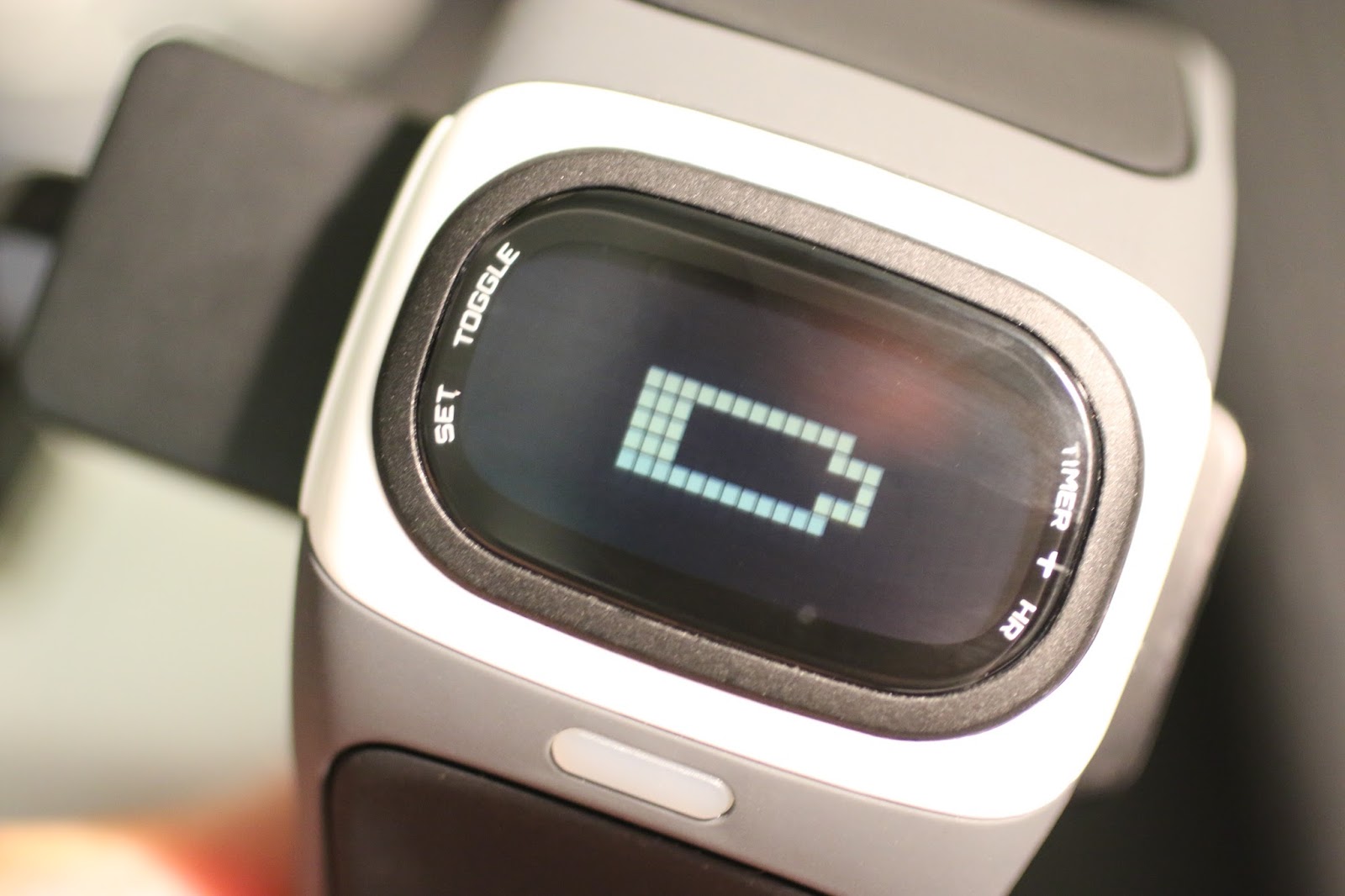
The watch comes with a charger that can be plugged into a USB port and the LED then too lights up to show you it is charging as well as when it is fully charged.
Here the MIO Alpha is paired with my Suunto Ambit 2S.
Set your Zone in which you want to keep your heart rate in. Not only will the LED change color depending upon if you are in the zone you are wanting to be in, but a “beep” will also go off. These are great because many times if using the watch like this, if you are wearing headphones you can still monitor where your heart rate is with the LED’s or as well as looking at the screen itself.
There are only two buttons to operate the watch, one on either side of the face. You can use the timer in the exercise mode to track your workout time. I use my Suunto Ambit 2S for gathering exercise time.
The watch comes with its own USB charging cradle. Simply line up the pins on the back to the charging ports and charge the watch.
Download the free app for allowing your smartphone to track your exercises and then export the TCX file into your favorite program later on. With the app it will show basic features, unless you play to download the full version of the app.
This is if the watch is paired with BLE (Bluetooth Low Energy)